Image Simplifier
Upload a reference photo and simplify it for easier value study, shape recognition, and painting preparation.
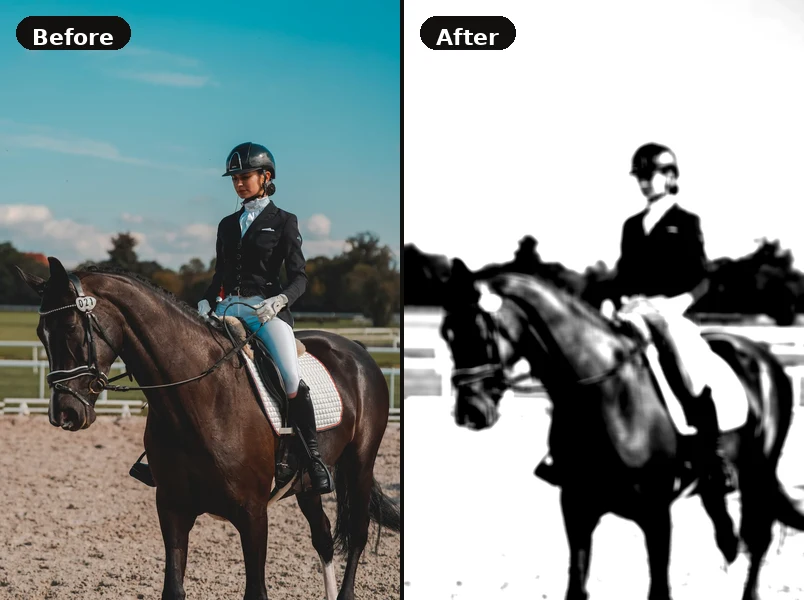
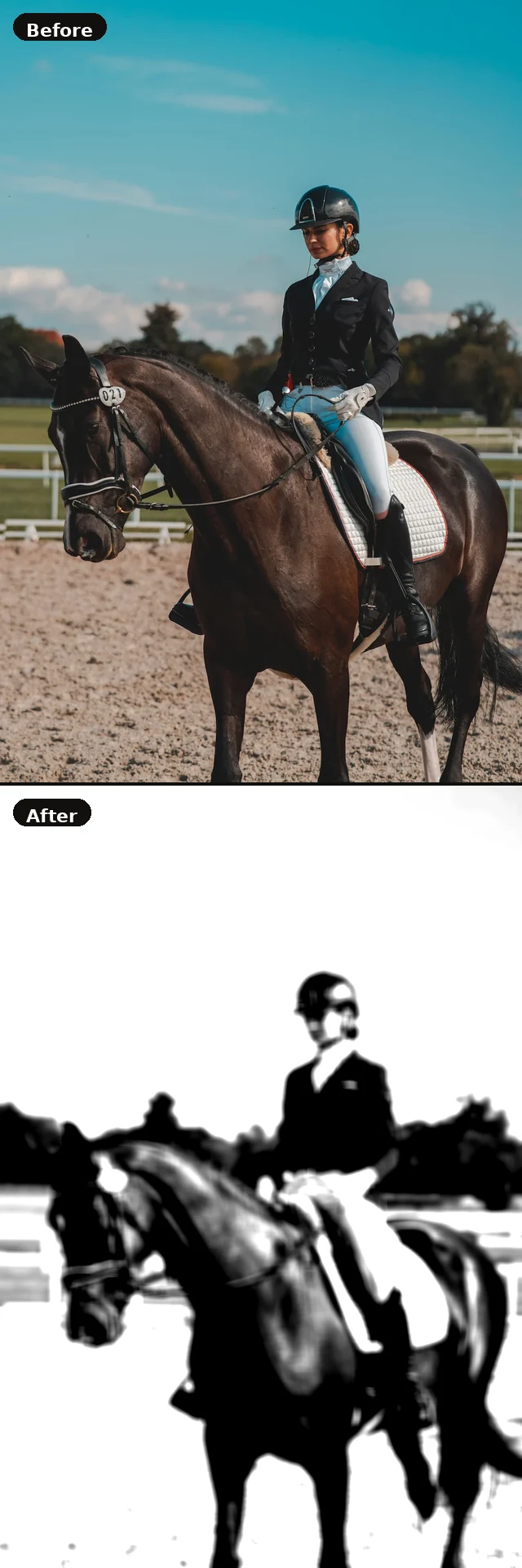
Upload an image to get started.
Use the controls to simplify your reference for drawing.
How to use the Image Simplifier
- Upload a reference photo using the controls panel on the left.
- Enable Grayscale to strip colour and see only value relationships.
- Use the Posterize slider to reduce the image to 2–4 value zones — great for value planning.
- Increase Contrast to make light and shadow areas more distinct.
- Use Blur to suppress fine detail and focus on large shapes.
- Download the result as a PNG reference for your drawing session.
Simplifier FAQ
Posterisation reduces the number of tonal values in an image to a small set — for example, just 3 or 4 distinct shades. This reveals the underlying value structure and is very useful for planning the light and shadow zones of a painting before adding colour.
Colour can be distracting when studying how light and shadow work. Converting to grayscale removes colour information and lets you focus purely on the lightness and darkness of shapes — a foundational skill for realist drawing and painting.
No. All processing is done locally in your browser. Your image is never sent to any server. The download button simply saves the current state of the canvas to your device.