Grid Drawing Tool
Upload a reference photo and overlay a customisable grid to help with accurate sketching and proportion.
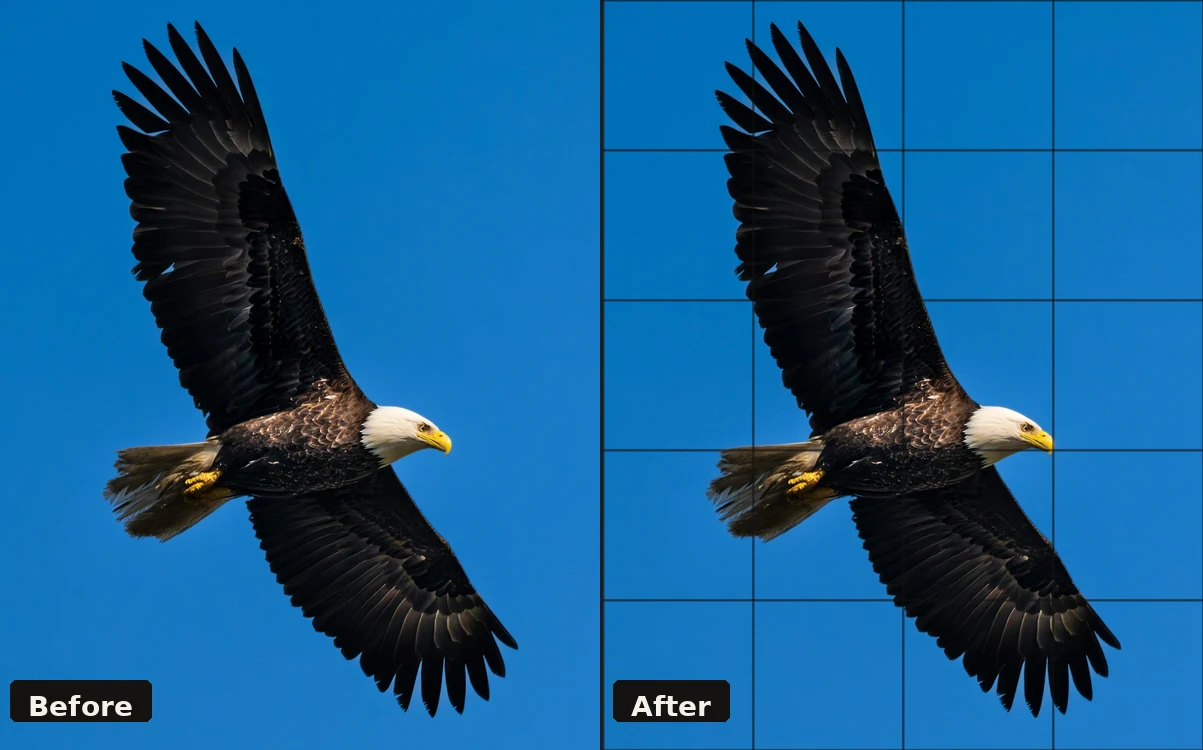
Upload an image to get started.
Your image will appear here with the grid overlay.
How to practise the grid method
The grid method is one of the most reliable ways to train accurate observation. By breaking a reference into small squares, you stop seeing the whole image at once and start drawing what's actually in each cell — not what your brain assumes should be there. It builds proportion, spatial awareness, and the habit of measuring rather than guessing.
Step by step
- Upload your reference. Choose a photo or artwork you want to study or transfer.
- Set your grid divisions. Start with 4–6 for a loose study; use 10–16 for precise transfer. The grid adapts to your image automatically.
- Download the Grid Image. This is your reference sheet — the photo with the grid drawn over it. Print it or keep it on screen.
- Download the Blank Grid Paper. Choose your paper size (A4, A3, etc.) and download a clean sheet with the matching grid already printed. The cell count matches your reference exactly.
- Print both and draw. Place your printed grid image beside your blank grid paper. Work one square at a time — focus only on what's inside each cell. This breaks the subject into manageable pieces and removes the intimidation of the whole.
- Erase the grid when done. If you drew lightly in pencil, the grid lines erase cleanly, leaving only your drawing.
Tip: Use the same number of grid divisions on both downloads. If your reference has 6×6 cells, your blank paper will have 6×6 cells — every square maps perfectly.
Grid Tool FAQ
No. Your image is processed entirely in your browser using the HTML5 Canvas API. It is never sent to any server.
For beginners, 4–8 divisions is a good starting point. More experienced artists often use 10–20 divisions for more precise transfer. The right number depends on the complexity of your subject.
The downloaded image is a PNG file at the original resolution of your uploaded image, with the grid overlay composited on top.