Drop a reference image here, or click to upload
JPG, PNG, WEBP — analysed in your browser, never uploaded
Value Analysis
How to use the Value Checker
- Upload a reference image — drag and drop or click the upload zone to select a JPG, PNG, or WebP file from your device.
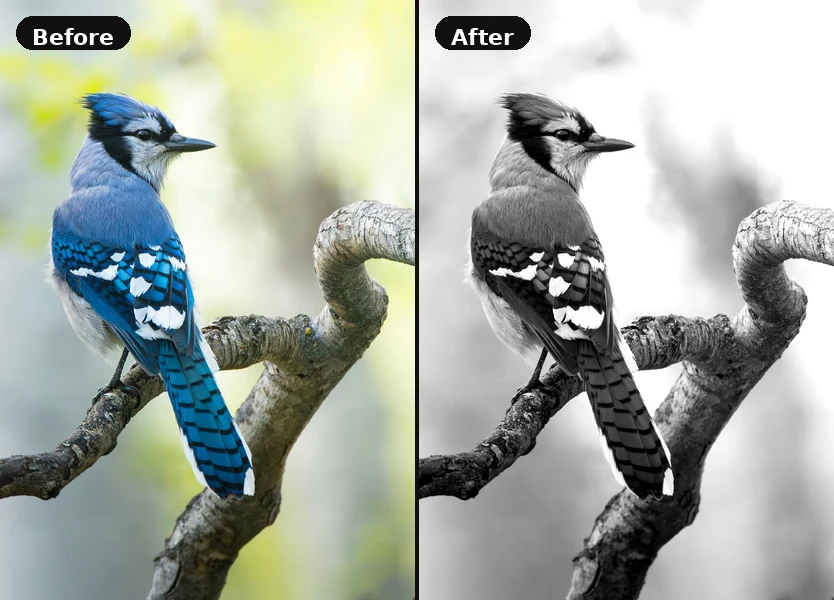
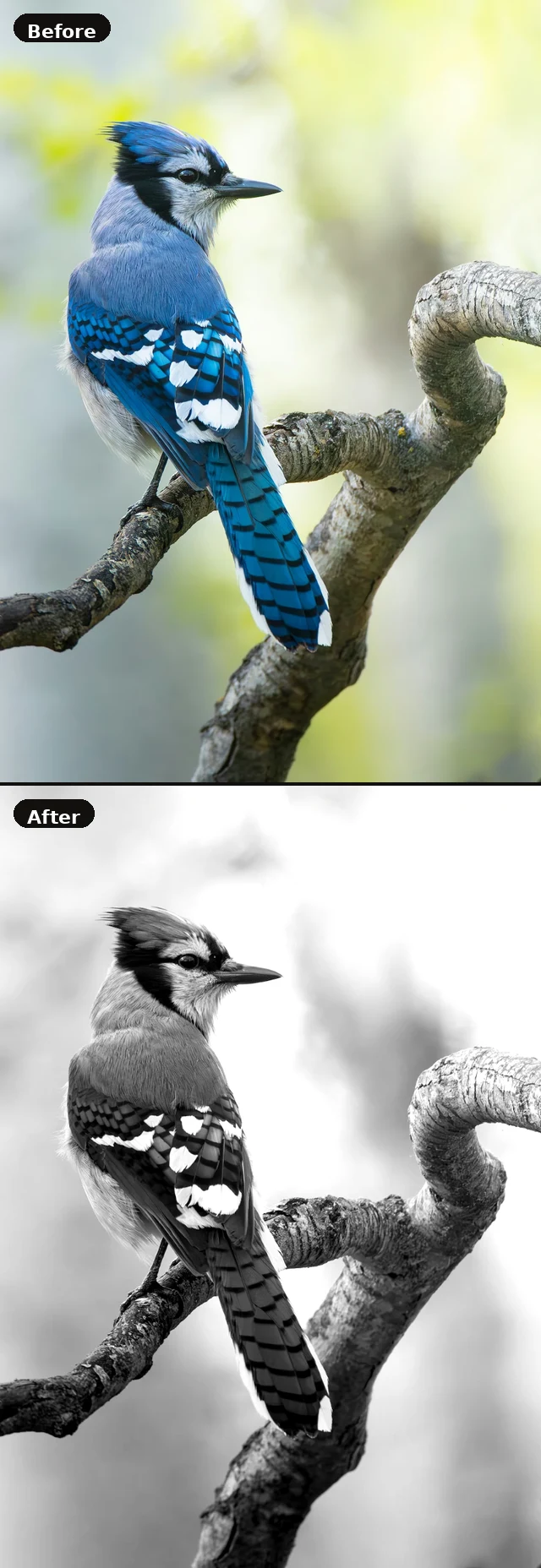
- See the greyscale view — the tool converts your image to greyscale using standard luminance weights, giving you a pure value read with no colour influence.
- Adjust contrast — use the contrast slider to push the tonal range wider or compress it. Higher contrast helps you see the separation between light and shadow more clearly.
- Read the value scale — the five swatches below the canvas show the adjusted tones for Shadow, Dark, Mid-tone, Light, and Highlight. Use these to plan your painting's value structure.
- Download — save the greyscale version as a PNG to use as a reference while painting.
Value — the lightness or darkness of a colour — is the single most important element of a convincing painting. Most beginners focus on colour first, but experienced painters know that if your values are correct, a painting reads well even when the colours are off. The Value Checker strips away colour so you can judge your tonal structure honestly.
Value Checker FAQ
Is my image uploaded to a server?
No. Everything happens in your browser. Your image is never sent anywhere — it's read locally using the browser's built-in Canvas API and cleared when you close the tab.
What's the difference between greyscale and value?
Greyscale converts each pixel to a single brightness level using luminance weights (more weight on green, less on blue). This matches how the human eye perceives brightness, so it's an accurate representation of the visual value in your image.
Why does increasing contrast help?
Many reference photos have a compressed tonal range — especially photos taken in soft, even light. Boosting contrast spreads the mid-tones apart so you can more easily distinguish your shadow shapes from your light shapes. It's the same reason painters squint at their reference.
How do I use the downloaded greyscale image?
Keep it open in a second window alongside your colour reference. Glance at the greyscale version while painting to check that your values are reading correctly — especially when mixing colours that look different but share the same brightness.