Colour Palette Extractor
Upload any image to extract its dominant colours. The palette is embedded directly onto the image — download it as a shareable card.
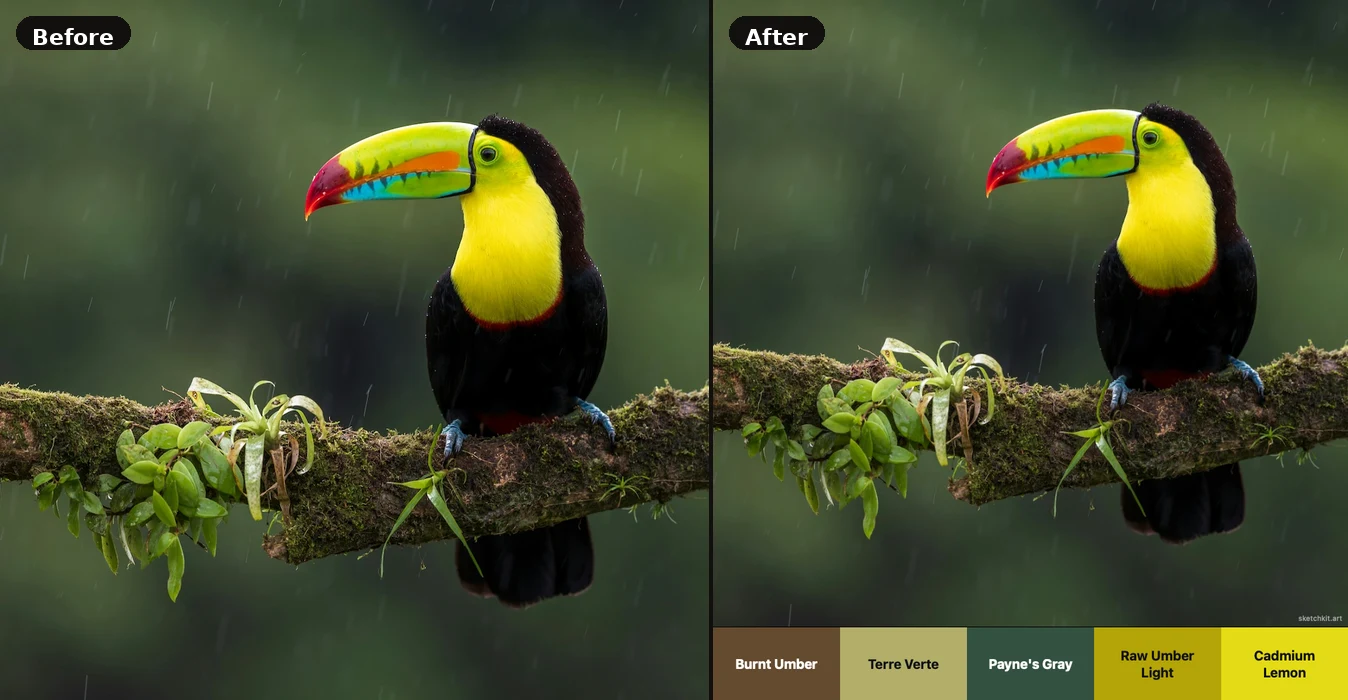
Upload an image using the panel on the left to extract its colour palette.
Analysing colours…
Colour Palette FAQ
Yes — SketchKit exports in three formats that work directly with the most popular creative apps:
- Photoshop (.aco) — load via Window → Swatches → Load Swatches. Adobe guide →
- Illustrator & InDesign (.ase) — open via Window → Swatches → Open Swatch Library → Other Library. Illustrator guide → InDesign guide →
- Procreate — import the .aco or .ase file directly via Palettes → + → Import. Procreate guide →
Click the upload area on the left (or drag and drop your photo onto it). The palette extracts automatically as soon as your image loads. Use the number buttons to choose how many colours you want — anywhere from 3 to 10. Hit Extract Palette again any time to re-run with a different number. Click any colour swatch or hex code to copy it to your clipboard.
If your image has a narrow colour range (e.g., a sky at sunset), several palette entries may cluster in similar hues. Try reducing the number of colours to get more distinct results. Using a more colourful or high-contrast reference will produce more varied palettes.
No. All colour extraction happens locally in your browser using the HTML5 Canvas API. Your image never leaves your device.
Colour names are matched against the Winsor & Newton Artists' Oil Colour range — one of the most respected pigment libraries in fine art, used by professional painters since 1832. Each extracted colour is compared to the full W&N palette using nearest-colour matching in RGB space, so you get names like Burnt Sienna, French Ultramarine, or Quinacridone Magenta rather than generic labels. The match is approximate — screen colours exist outside the gamut of physical pigments — but it gives you a meaningful artistic reference for every colour in your palette.
Median Cut is a colour quantization algorithm invented by Paul Heckbert in 1982. It works by treating each pixel as a point in 3D RGB space, then recursively splitting the largest colour cluster along its longest axis until the desired number of clusters is reached. Each cluster's average colour represents the dominant colour in that region of colour space. The palette entries are then sorted by cluster size, which corresponds to how much of the image that colour covers.